Executive Overview
The retail market in Bangladesh (spanning fashion hubs in Banani, super-shops in Chittagong, and electronics centers like Multiplan) is rapidly digitizing. Relying on manual cash memos, standalone calculators, or isolated offline desktop setups leads to critical business pain points: slower checkout lanes, severe inventory discrepancies, and stressful midnight accounting reconciliations.
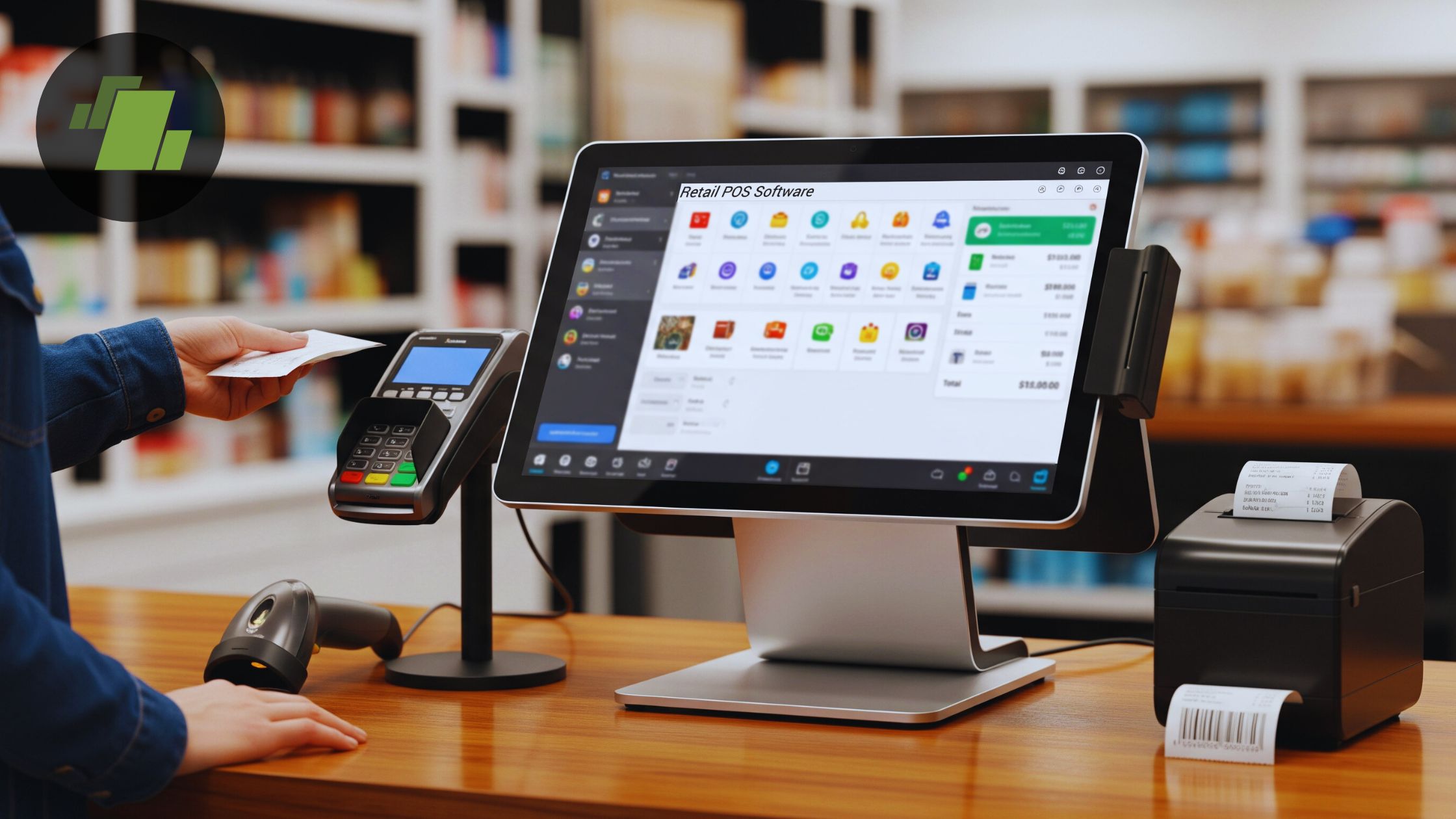
Implementing a modern, natively adapted Point of Sale (POS) system transforms the checkout counter into a centralized business command center.
Critical Requirements for Bangladeshi Retail
To succeed locally, a retail POS system cannot just be an off-the-shelf international application; it must specifically support:
- Seamless MFS Integration: Direct hooks into local Mobile Financial Services like bKash, Nagad, and Rocket, as well as credit/debit card terminals via local payment aggregators.
- Robust Offline Mode: The ability to process and log sales transactions during local internet fluctuations and automatically sync data to the cloud once connectivity resumes.
- NBR VAT Compliance: Structured invoice generation that complies directly with the National Board of Revenue (NBR) electronic fiscal device guidelines for super-shops and multi-outlet chains.
Top POS Ecosystems in Bangladesh
1. Odoo Retail POS (Modular Open-Source ERP)
- Pros: Flawless multi-branch inventory tracking, runs on any device (iPad, Android, laptop), fully functional offline mode, and built-in advanced loyalty programs.
- Cons: Requires proper initial configuration by an expert tech partner.
- Best Suited For: Scaling clothing boutiques, super-shop chains, footwear brands, and multi-outlet retail enterprises.
2. Shopify POS / Lightspeed (Global Cloud SaaS)
- Pros: Native, seamless syncing between brick-and-mortar stores and active e-commerce sites.
- Cons: High monthly subscriptions in USD; highly complex to integrate local payment options and NBR compliance.
- Best Suited For: High-end boutique brands managing substantial direct-to-consumer online exports alongside physical stores.
3. Local Desktop Software (Proprietary Fixed-License)
- Pros: Cheap, one-time acquisition cost; pre-configured for basic local thermal printers and barcode scanners.
- Cons: High risk of data loss if the local PC crashes, rigid user interface, and extremely painful to link across multiple store locations.
- Best Suited For: Single, small physical kiosks looking only for basic receipt printing.
⚠️ The Silent Margin Killer: Stock leakage (theft, damage, or unlogged giveaways) routinely erodes 2% to 5% of net profit margins in retail. A barcode-driven POS system eliminates this by ensuring stock cannot leave the floor unless it is scanned and logged against live quantities.
3 Tips to Protect Your POS Investment
- Adopt Mobile-Friendly Frameworks: Instead of bulky, space-consuming desktop towers, opt for clean, tablet-compatible POS interfaces to keep checkout counters modern and inviting.
- Unify Sales Channels: Ensure your physical storefronts and online channels (Website, Facebook) pull from the exact same live inventory pool to prevent double-selling out-of-stock items.
- Audit End-of-Day (EOD) Logs: Establish a strict operational rule where store managers match physical cash drawer tallies against the POS system’s automated closing registers every single evening.
Final Verdict
For single, standalone kiosks, a basic local desktop application might be enough to get by. However, for ambitious, scaling retail brands aiming to expand across multiple branches, launch unified e-commerce platforms, and run targeted customer retention campaigns, Odoo POS (customized by an experienced development team like Codexaa Software Limited) offers the highest long-term return on investment.